
Total PC Disk Cleanup
Discover how Total PC Disk Cleanup by Everyday Tools LLC optimizes your Windows storage. Read our full review of its features, duplicates finder, and more.
If you have ever noticed your Windows computer slowing down, the culprit is often a cluttered hard drive. Total PC Disk Cleanup - Storage System Scan Optimize offers a streamlined, user-friendly solution to reclaim valuable storage space and restore your system's efficiency. Developed by Everyday Tools LLC, this utility focuses on simplifying disk hygiene so you do not have to dig through complex system directories manually.
Who Benefits Most from This Disk Cleanup Utility?
This software is particularly beneficial for everyday Windows users who do not want to navigate complicated administrative tools. Whether you are a remote professional managing large work files, a media enthusiast with a growing library of downloads, or someone noticing a performance dip on an older machine, this application provides an accessible starting point for system maintenance.
Key Features for Storage Optimization
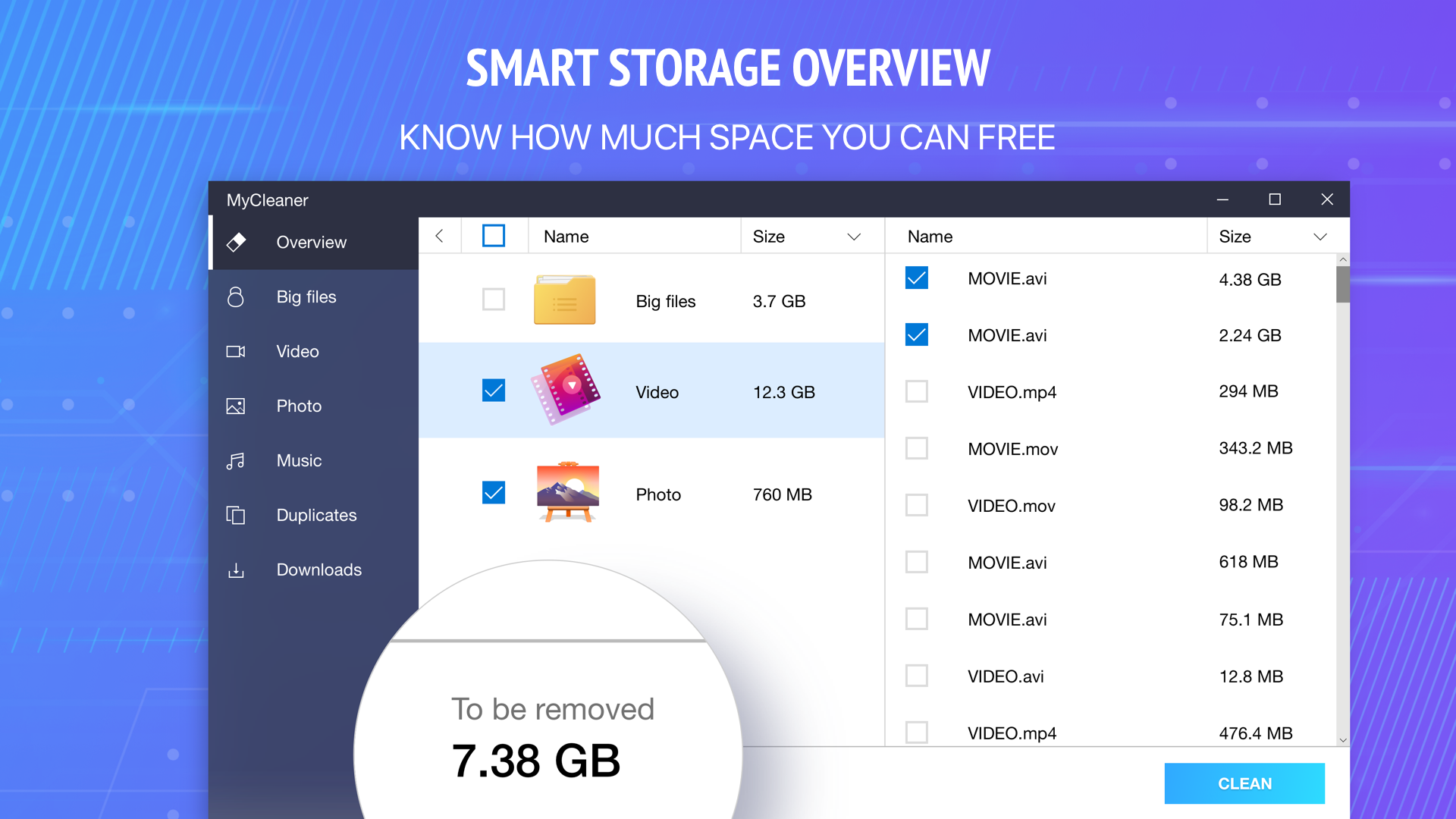
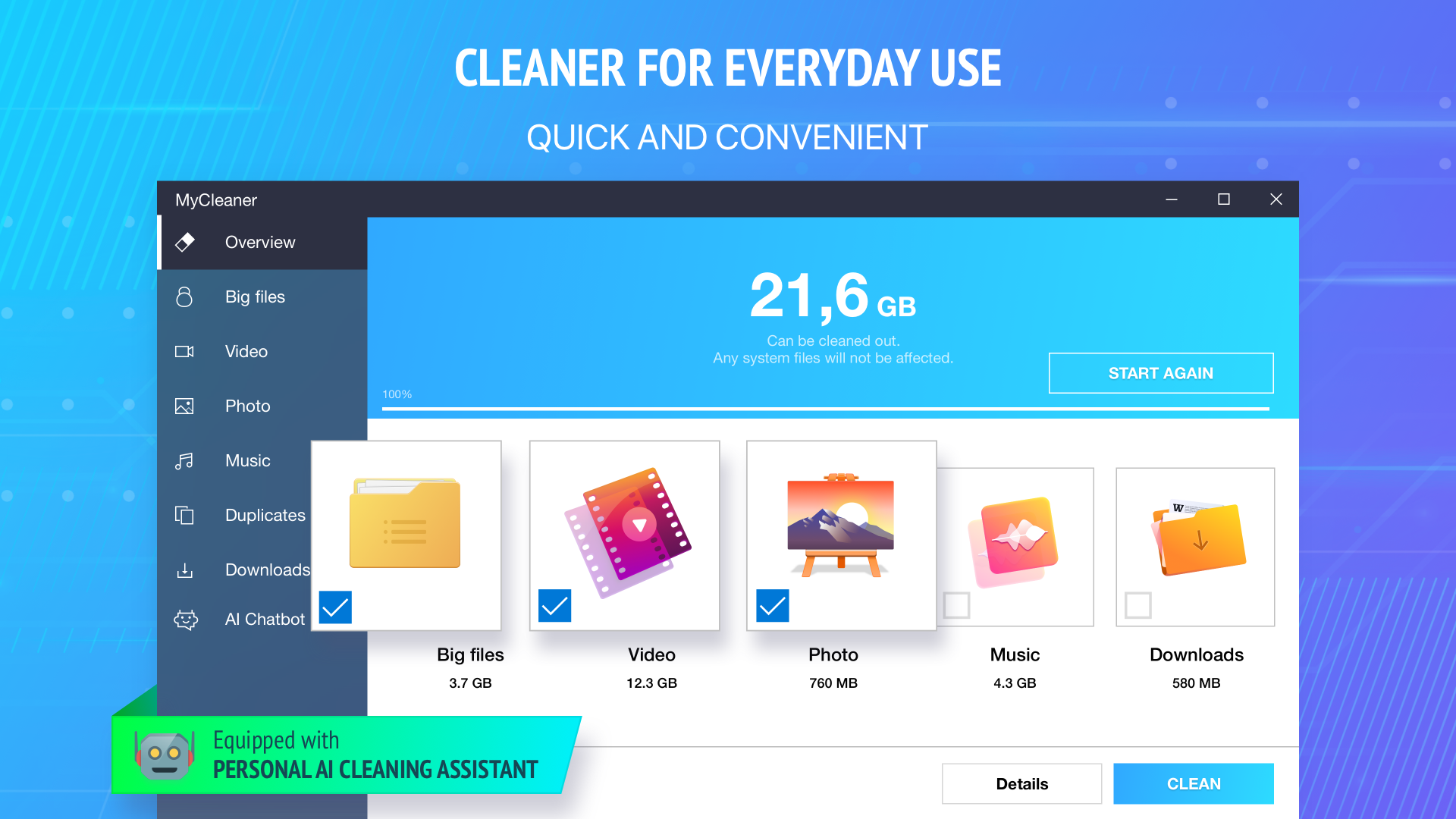
- Smart System Overview: Run a comprehensive scan of your entire local drive with a single click. The tool quickly calculates and displays exactly how much storage space can be safely recovered.
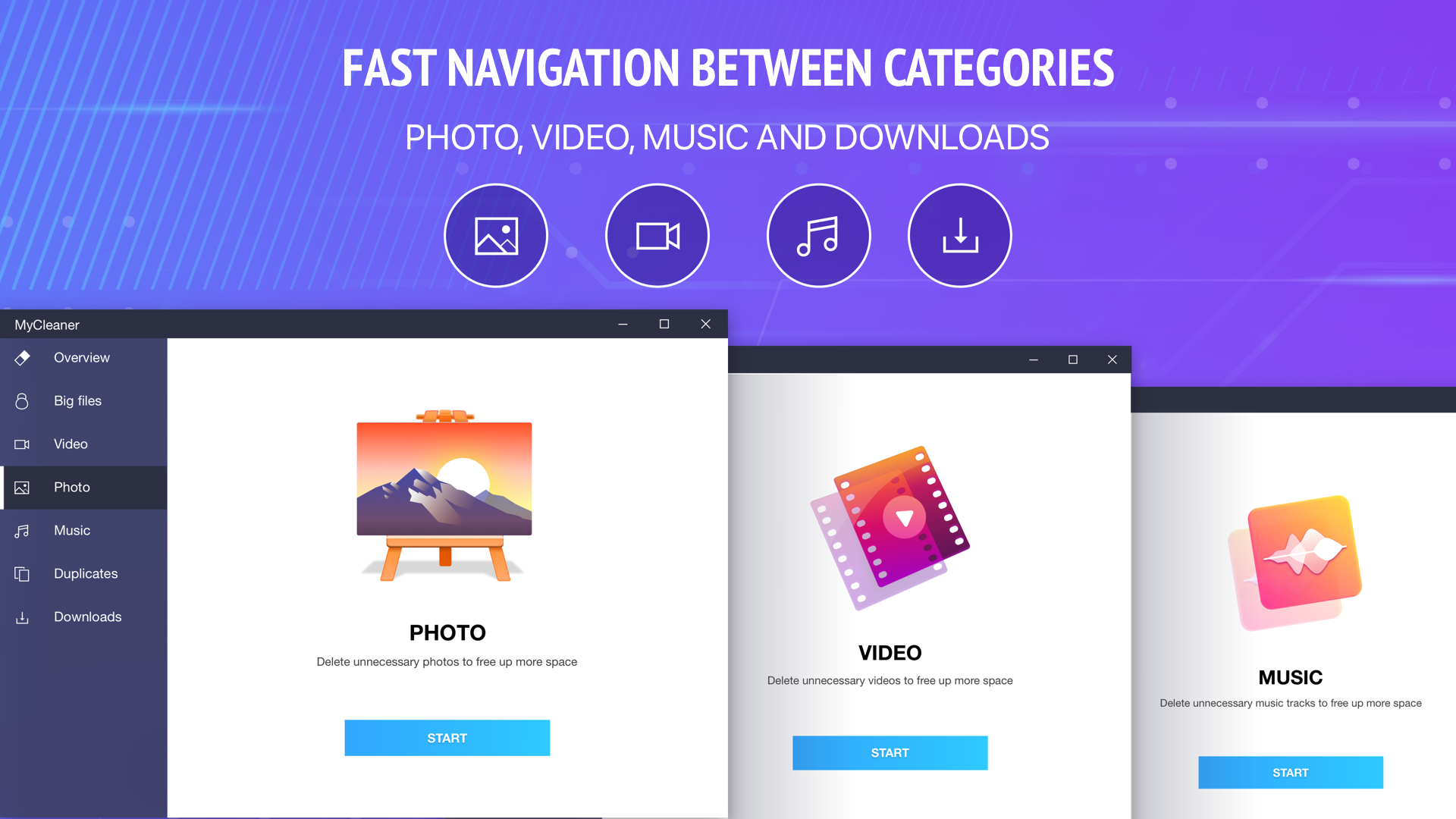
- Categorized File Sorting: Instead of presenting a confusing list of file paths, the application organizes detected items into recognizable folders like Photos, Videos, Music, and Downloads for easier review.
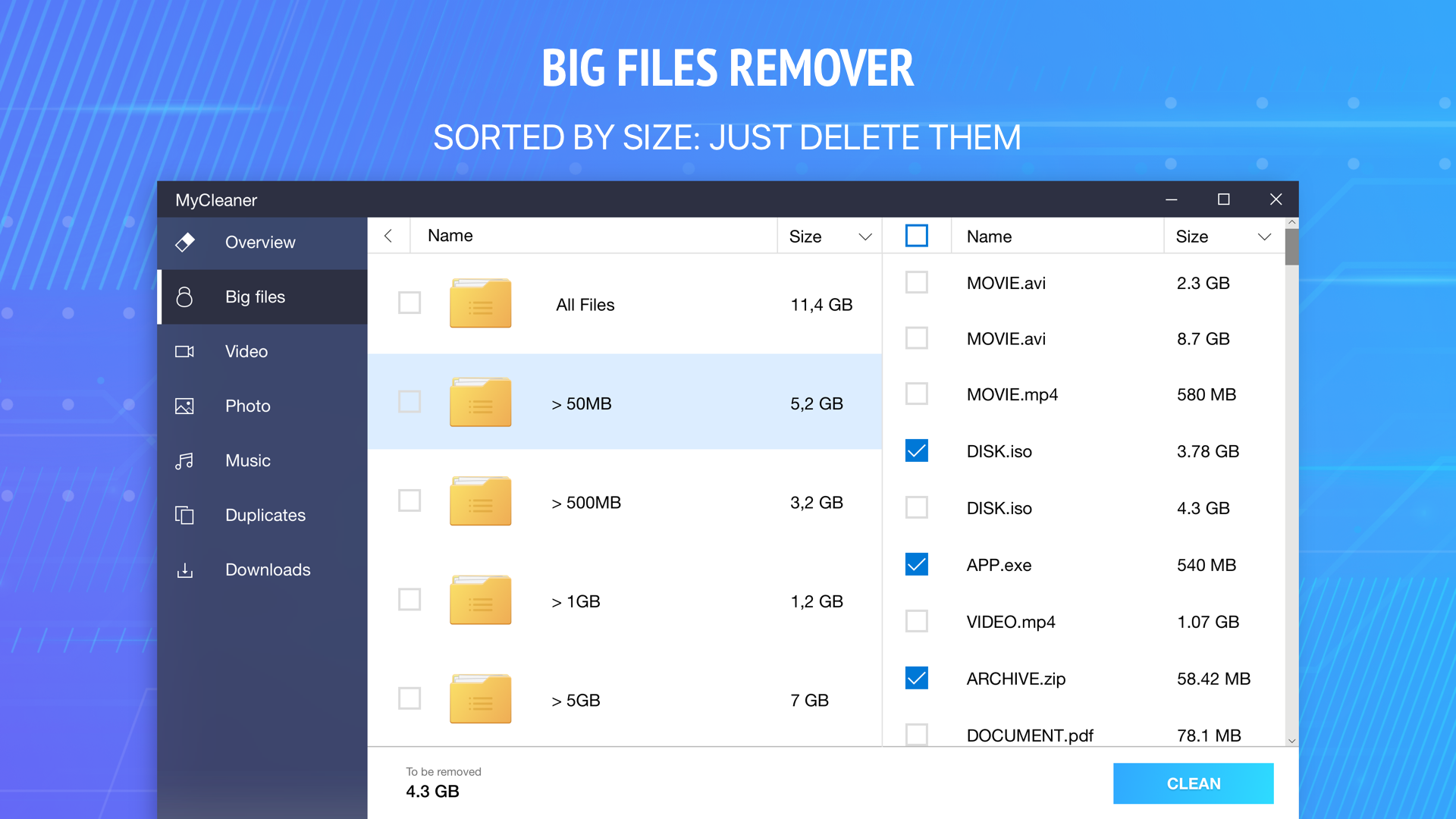
- Large File Detection: Locate the biggest storage hogs instantly. The utility groups files by size, allowing you to quickly identify and remove heavy files you no longer need.
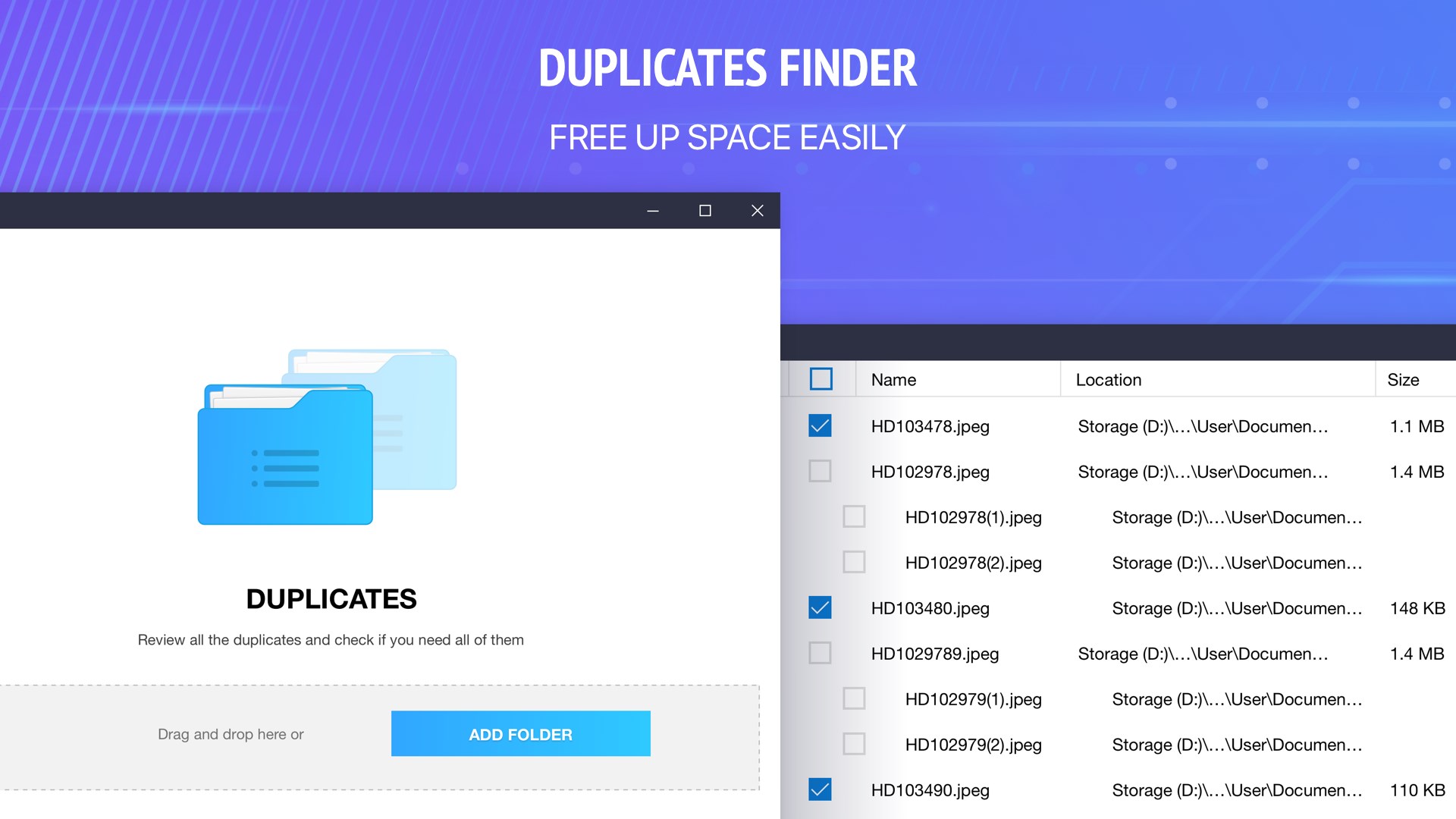
- Duplicate Finder: Eliminate redundant data. The app groups identical files together so you can safely delete duplicates without risking your original documents.
Understanding the Free vs. Paid Version
The free version of the application serves as an introductory utility, supported by advertisements and featuring a cleanup limit of 500MB. Users looking for unrestricted disk clearing and an ad-free interface can opt to upgrade to the premium version directly within the application environment.
Our Editorial Verdict
For Windows users seeking a straightforward, visual way to manage their local storage, Total PC Disk Cleanup - Storage System Scan Optimize delivers a practical set of tools without a steep learning curve. It simplifies the tedious chore of manual file sorting, making it easier to keep your operating system running smoothly. To try out the interface and run your first system scan, head over to the official Microsoft Store to explore the application.