
Amerigo - File Manager App Review and Feature Guide

Discover how the Amerigo File Manager app consolidates your cloud storage and local files on iOS. Read our full review of its features and tools.
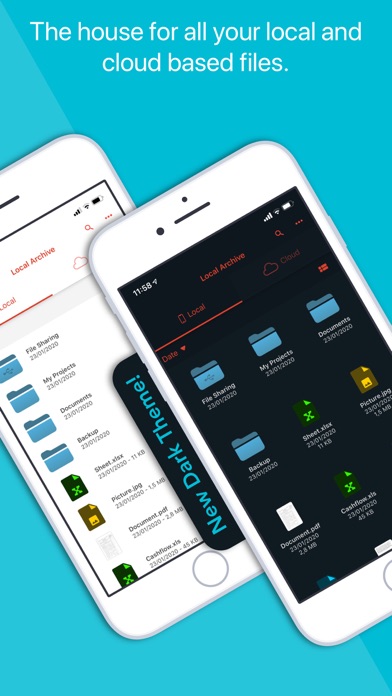
In an era where our professional and personal documents are scattered across multiple digital spaces, finding a specific file can feel like searching for a needle in a haystack. Many iOS users struggle to manage files split between local storage, work Google Drives, personal Dropboxes, and iCloud. The Amerigo File Manager app solves this exact problem by acting as a unified command center for your entire digital filing system.
Consolidate Your Clouds with the Amerigo File Manager App
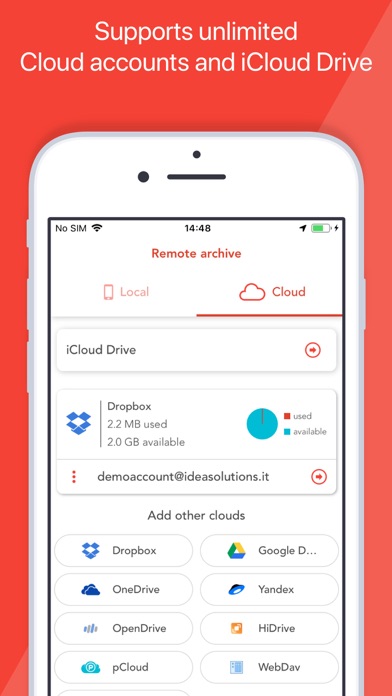
Developed by IdeaSolutions S.r.l., this premium utility is designed to eliminate the friction of multi-cloud management. Instead of constantly switching between different storage applications, the Amerigo File Manager app lets you link multiple cloud providers—such as Google Drive, OneDrive, Dropbox, and iCloud Files—under a single, cohesive interface. You can even link multiple accounts from the same provider to maximize your available storage space.
Standout Organizational Tools
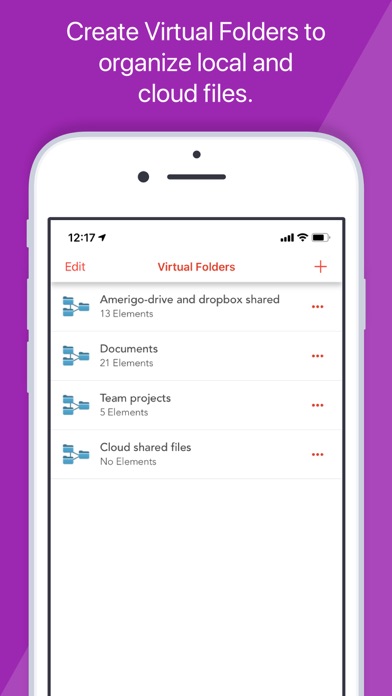
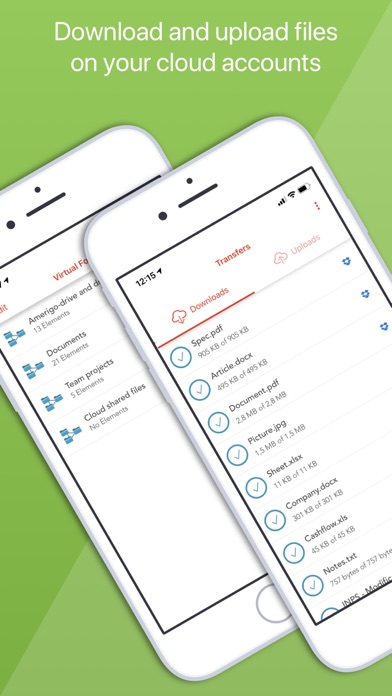
- Virtual Folders: This powerful feature allows you to group files from different physical locations (such as a local PDF and a spreadsheet stored on Google Drive) into a single virtual project folder without moving the actual files.
- Spotlight Indexing: Find your local documents instantly. Because the app integrates with iOS Spotlight, you can search for and open files directly from your device's home screen search bar.
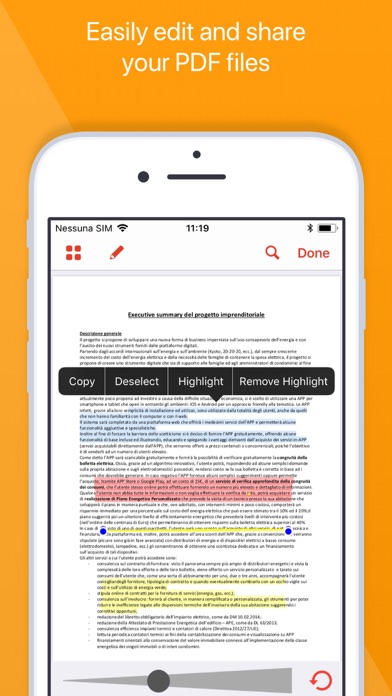
- Advanced PDF Editor: Beyond simple viewing, the integrated PDF engine automatically recognizes shapes and gestures, allowing you to highlight text, draw free-hand, and annotate documents easily.
- Universal File Support: Seamlessly decompress ZIP and RAR archives, compress local files to save space, and view all Microsoft Office documents natively.
Enhanced Security and Browsing Capabilities
The Amerigo File Manager app does not just organize your files; it also protects them. Users can set up secure, PIN-protected folders to hide sensitive documents from prying eyes. Additionally, the app features a built-in, multi-tab internet browser with private browsing capabilities, complete with an autocomplete address bar and advanced search suggestions to streamline your research workflows.
Is It Worth It?
For users who rely heavily on their iPad or iPhone for productivity, the Amerigo File Manager app justifies its premium positioning by delivering desktop-grade file management to iOS. By integrating deeply with the native iOS Files app, it offers read-and-write capabilities across all linked clouds from virtually any application on your device.
If you are ready to upgrade your mobile productivity and end the chaos of scattered files, you can learn more and purchase the application by visiting the official iOS App Store.