

DLL Repair Tool & Direct Repair
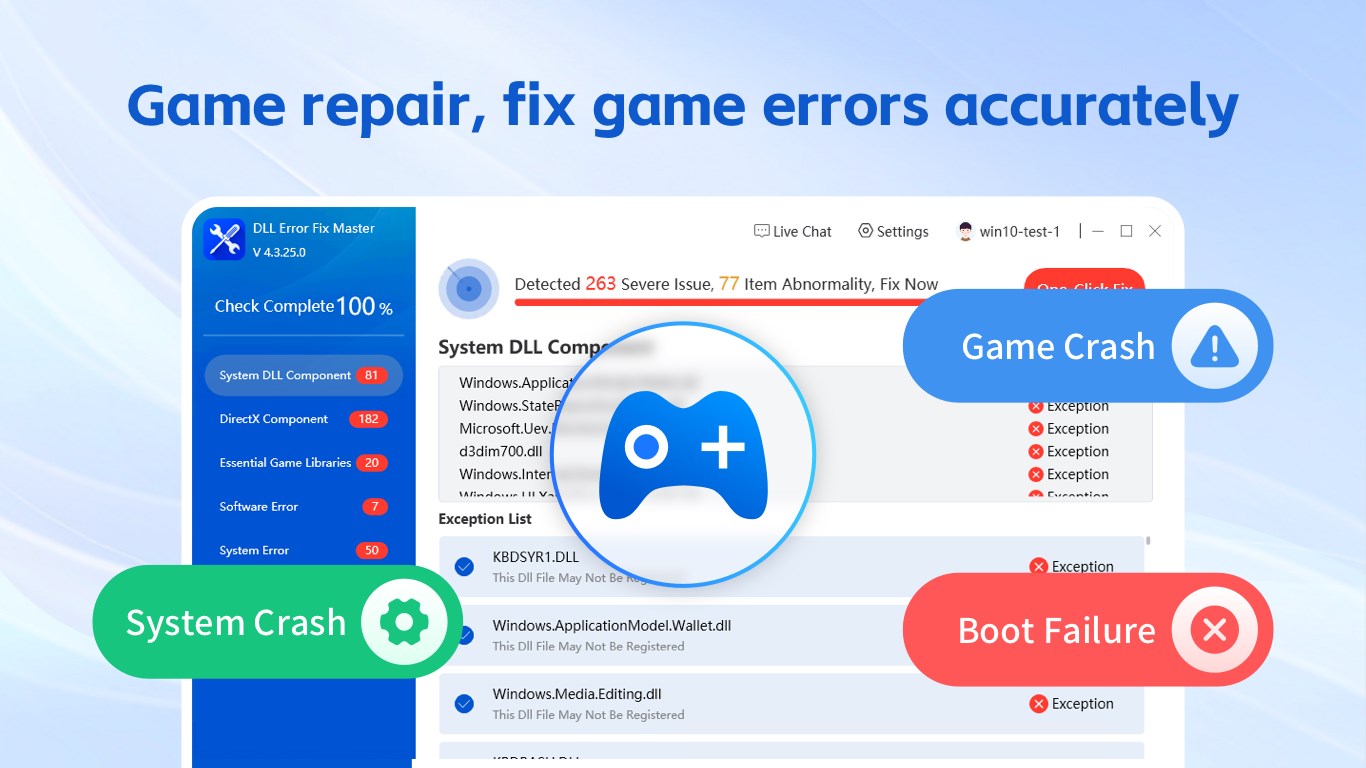
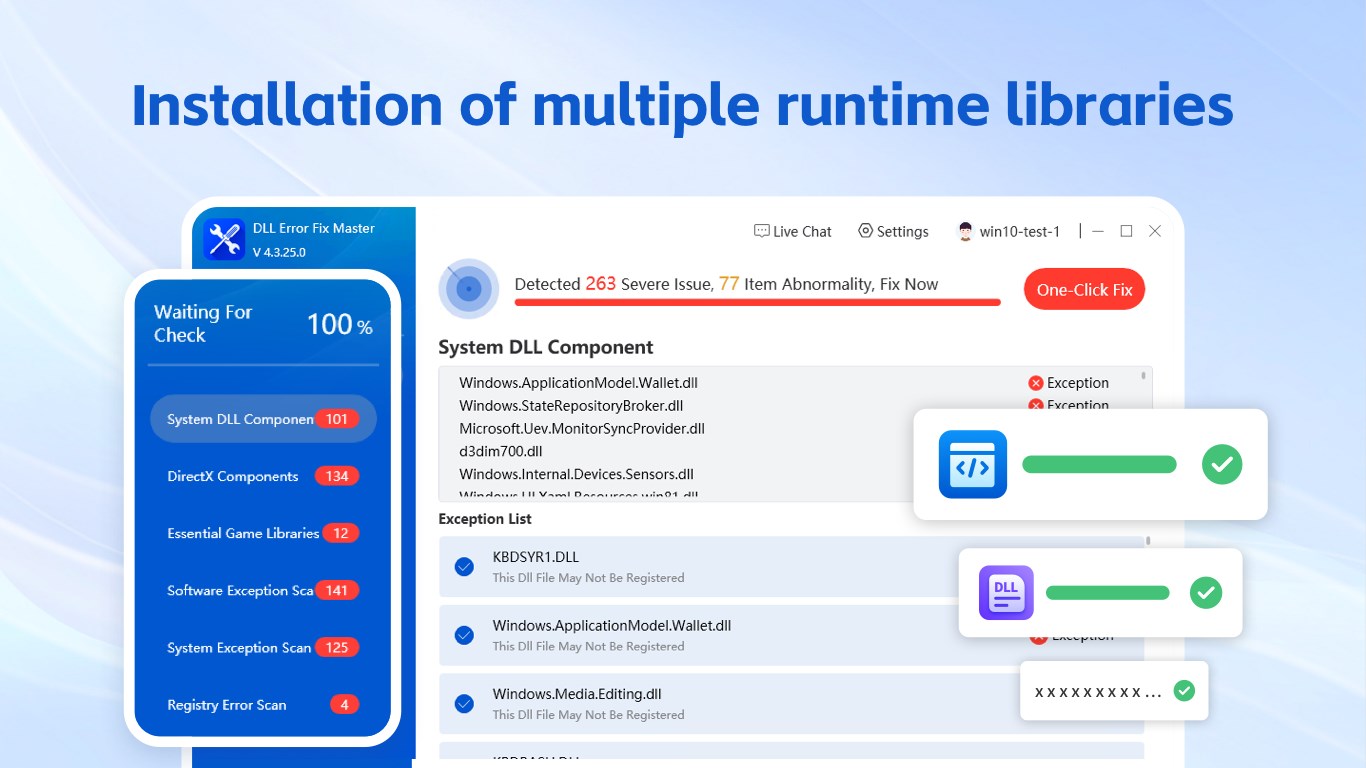
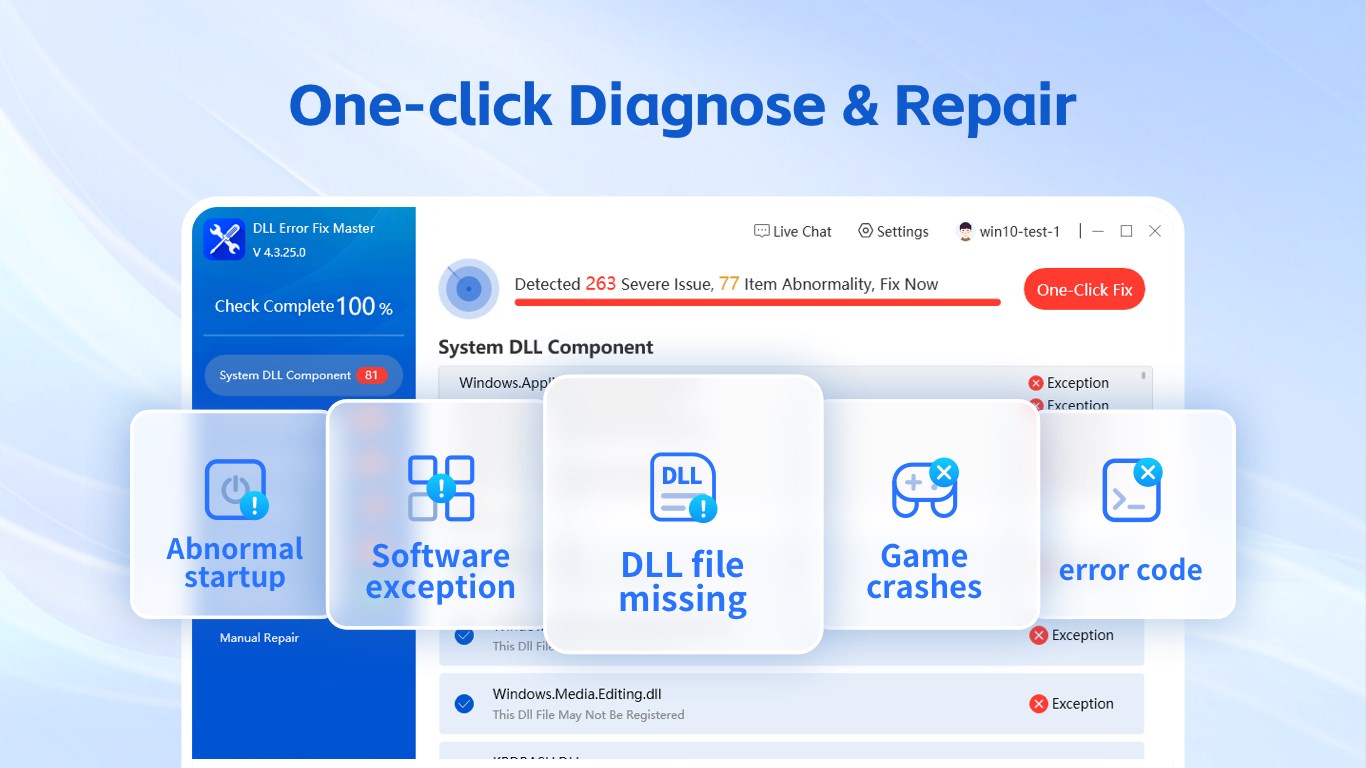
Discover how the DLL Repair Tool & Direct Repair utility fixes missing runtime libraries, DirectX errors, and Windows registry issues in our full review.
A Firsthand Look at System Optimization with DLL Repair Tool & Direct Repair
Few things are more frustrating than launching a favorite game or critical work application only to be met with an abrupt crash or a cryptic error message about missing files. The DLL Repair Tool & Direct Repair system utility is designed specifically to address these common Windows headaches. Developed by Wuhan Net Power Technology Co., Ltd, this software targets the root causes of application startup failures, providing a streamlined diagnostic experience that aims to restore stability to your operating system.
How the Diagnostics and Engine Work
Upon launching the software, the interface presents a clean, intuitive dashboard that makes system diagnostics accessible to users of all technical levels. The core engine focuses on scanning critical system areas to identify corrupt registry paths, missing DirectX components, and broken dynamic link libraries. By connecting directly to an updated online database of runtime libraries, the DLL Repair Tool & Direct Repair system utility ensures that the solutions applied are accurate and compatible with modern software requirements.
Key Troubleshooting Features
- Automated DLL Resolution: Rapidly scans, identifies, and suggests repairs for common errors such as msvcp140.dll, msvcr100.dll, and kernel32.dll.
- VC Runtime & DirectX Restoration: Detects missing Visual C++ Redistributable packages and DirectX components (like xinput1_3.dll or d3dx9_43.dll) which are vital for gaming.
- Registry & System Stability: Targets corrupted registry keys and framework issues, including .NET Framework anomalies, to prevent recurring application crashes.
- In-App Fault Detection: Offers unlimited, free-of-charge system scanning so users can pinpoint exactly what is causing their system instability before committing to full repairs.
Who Is This Tool For?
This utility is highly suited for PC gamers experiencing sudden crashes on launch, as well as general Windows users who frequently install and uninstall diverse software packages. Because the basic version allows for unlimited free fault detection, it serves as an excellent diagnostic starting point. To execute the automated repairs, the developer offers flexible premium licensing options, including monthly, quarterly, or annual subscriptions, as well as a lifetime permanent membership option directly through the Microsoft ecosystem.
Final Verdict
If you are tired of manually hunting down missing system files online and risk downloading compromised files from untrusted sources, this utility offers a secure, consolidated alternative. You can analyze your system's health today by visiting the official Microsoft Store to explore the DLL Repair Tool & Direct Repair page.