
vokoscreenNG
Read our comprehensive review of vokoscreenNG, a powerful open-source screencast creator for Linux designed for high-quality video and audio recording.
While many screen recorders struggle with the complex transition between legacy display servers and modern display protocols, the vokoscreenNG screencast creator stands out by offering a dual-tailored recording experience for both X11 and Wayland environments. Created by developer Volker Kohaupt as a complete, modern rewrite of the classic vokoscreen, this application swaps out its old FFmpeg foundation for a highly robust GStreamer backend. The result is a highly reliable, feature-rich utility designed specifically for Linux users who need to capture high-quality video and multi-source audio without the typical system overhead.
Tailored Capture Tools for X11 and Wayland Environments
One of the most impressive aspects of the vokoscreenNG screencast creator is how it adapts to your specific Linux display server rather than offering a fragile, one-size-fits-all solution. Depending on your system configuration, the application unlocks optimized toolsets:
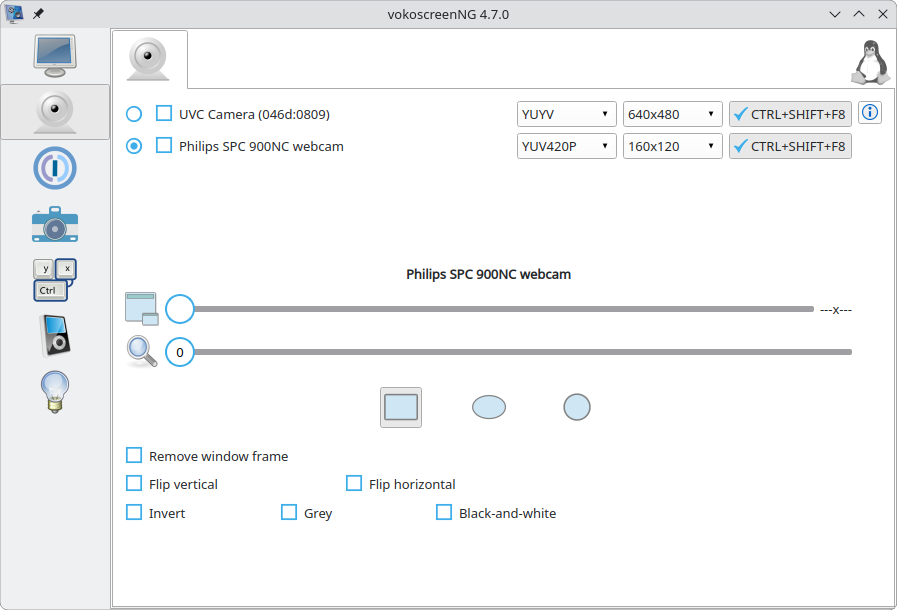
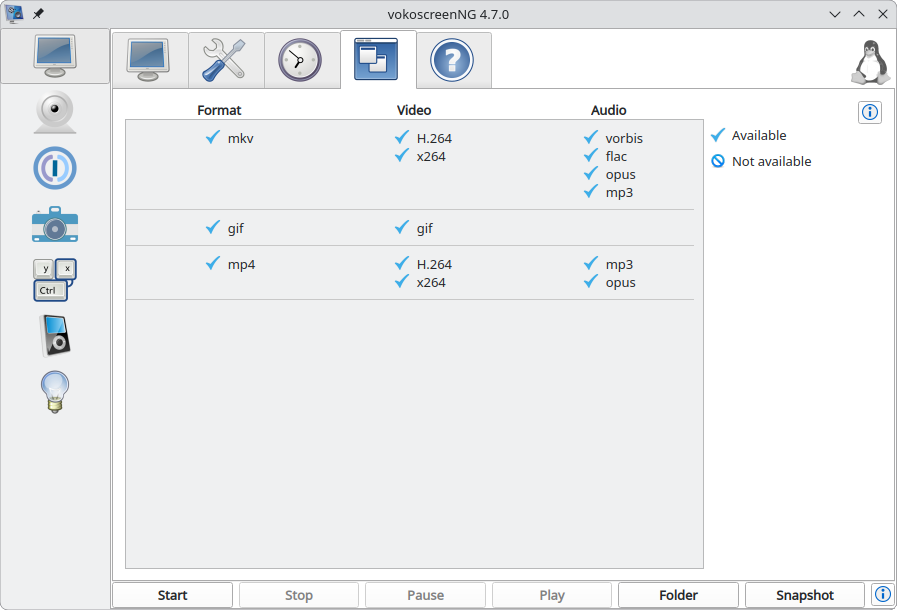
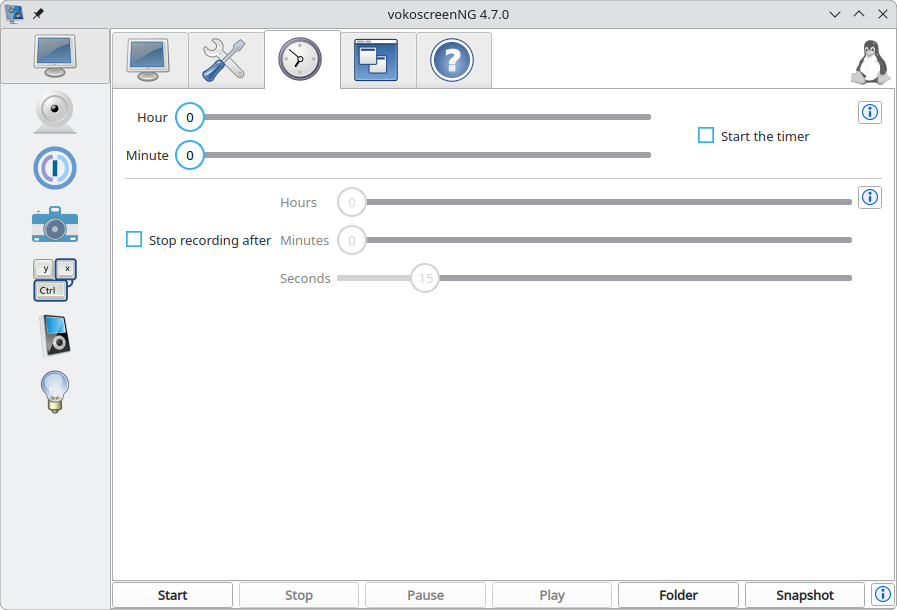
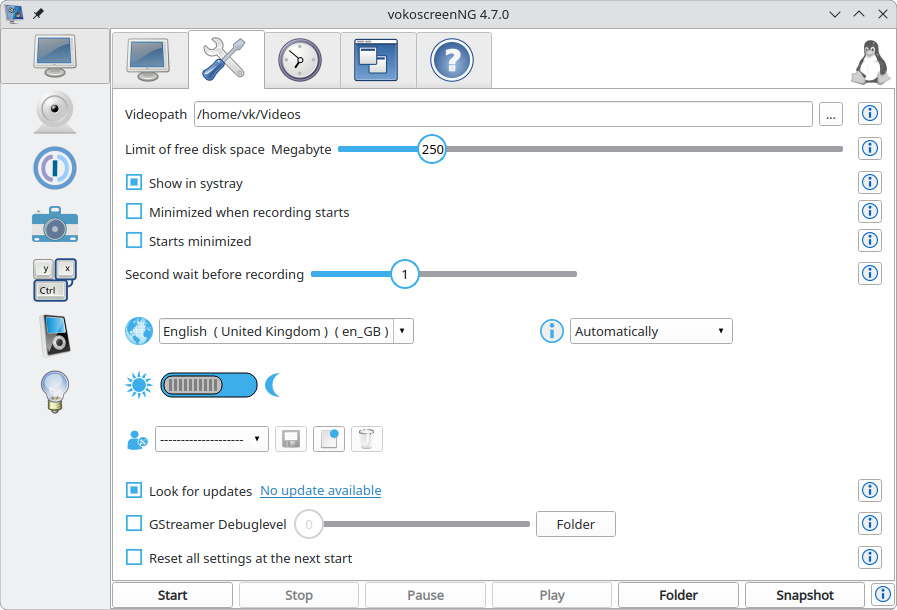
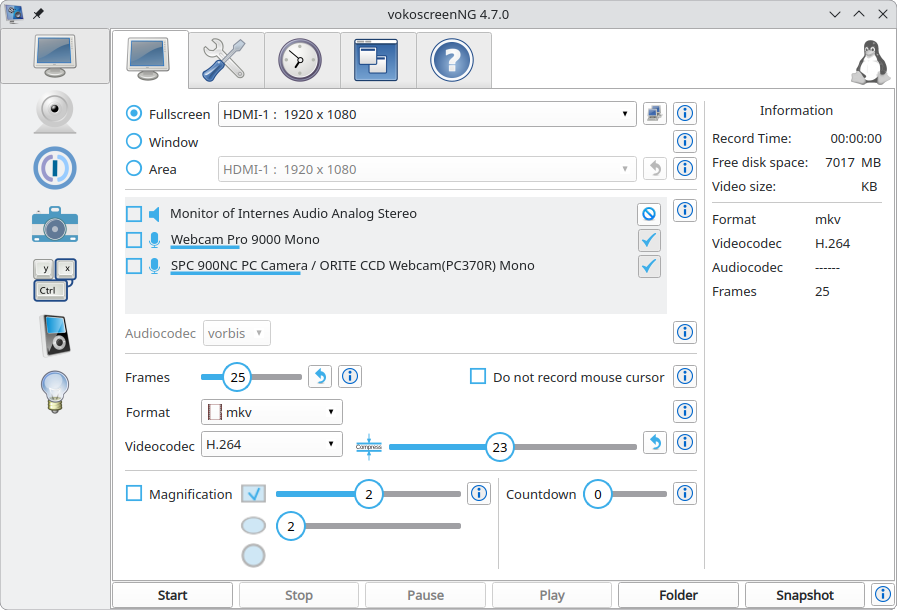
- X11 Configuration: Offers a comprehensive suite of interactive tools, including a magnifying glass, countdown timers, click visualizers (Showclick), visual halos, system tray integration, global keyboard shortcuts, and integrated camera support for picture-in-picture recordings. Output formats include MKV, MP4, and animated GIFs using H.264 video and MP3 or Opus audio codecs.
- Wayland Configuration: Built as a standalone development focus to ensure maximum stability. To safeguard your recordings against data loss, it records natively to the robust MKV format using the H.264 codec. It also includes helpful tools like separated audio tracks, countdowns, and snapshots, alongside a post-record converter to easily export your files to WebM, MP4, or GIF.
Who is the vokoscreenNG Screencast Creator For?
Whether you are a developer filming software tutorials, an educator recording lectures, or a content creator capturing desktop workflows, this utility provides the granular control you need. Its support for recording audio from multiple sources simultaneously makes it exceptionally easy to capture both system sounds and microphone input in a single session. The interface remains clean and accessible, removing the steep learning curve often associated with professional broadcasting software.
A Rebuilt Engine for Modern Performance
By moving from FFmpeg to GStreamer, Volker Kohaupt has ensured that the vokoscreenNG screencast creator manages system resources far more efficiently. This architectural shift translates to smoother frame rates, lower CPU utilization during long recording sessions, and a much lower risk of corrupted video files when capturing resource-intensive applications.
Get Started with vokoscreenNG
If you are looking for a dependable, straightforward, and powerful recording solution on Linux, this software is well worth your consideration. To explore the application further or to install it on your system, visit the official vokoscreenNG Flathub page today.