
Portal for Teams
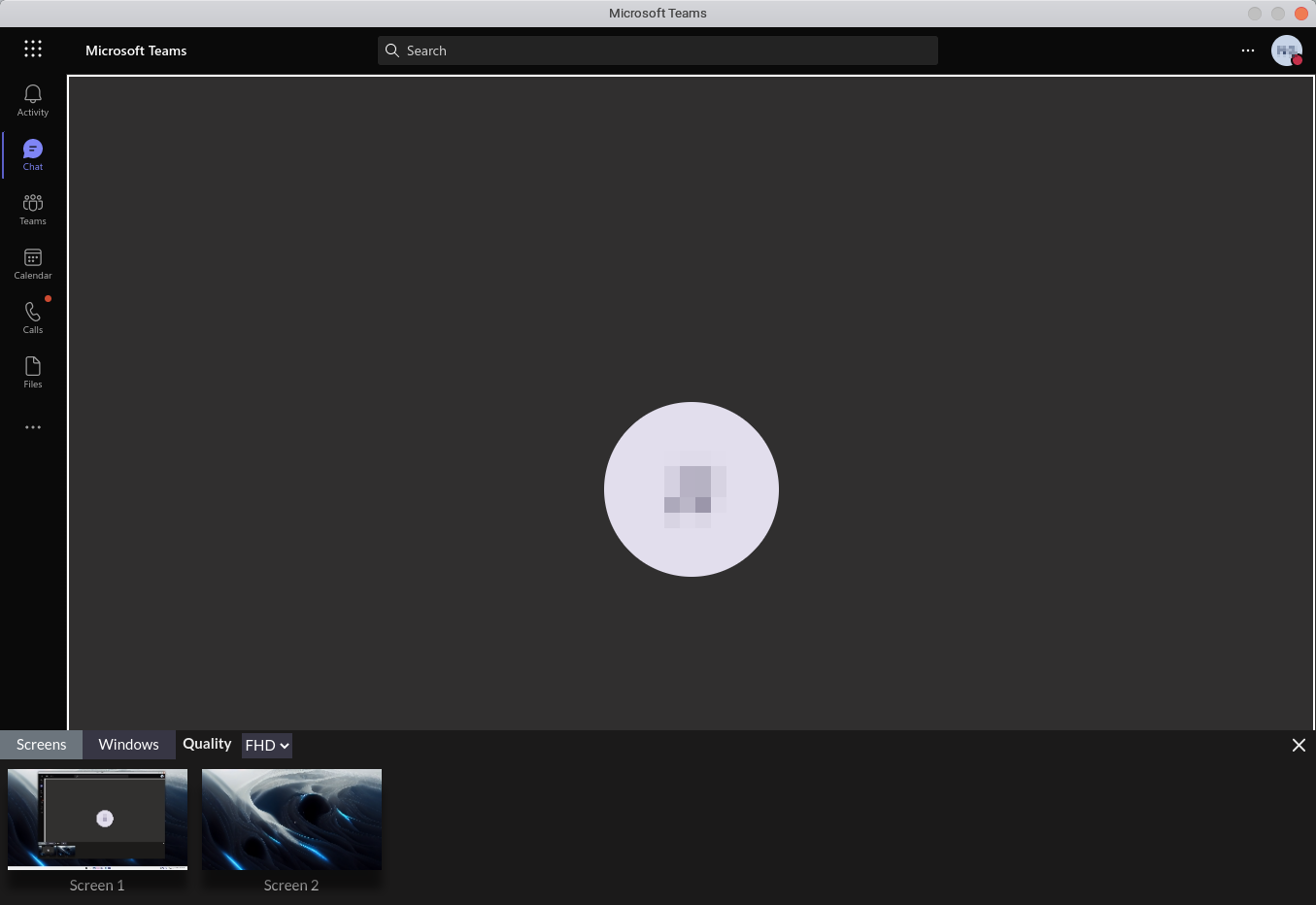
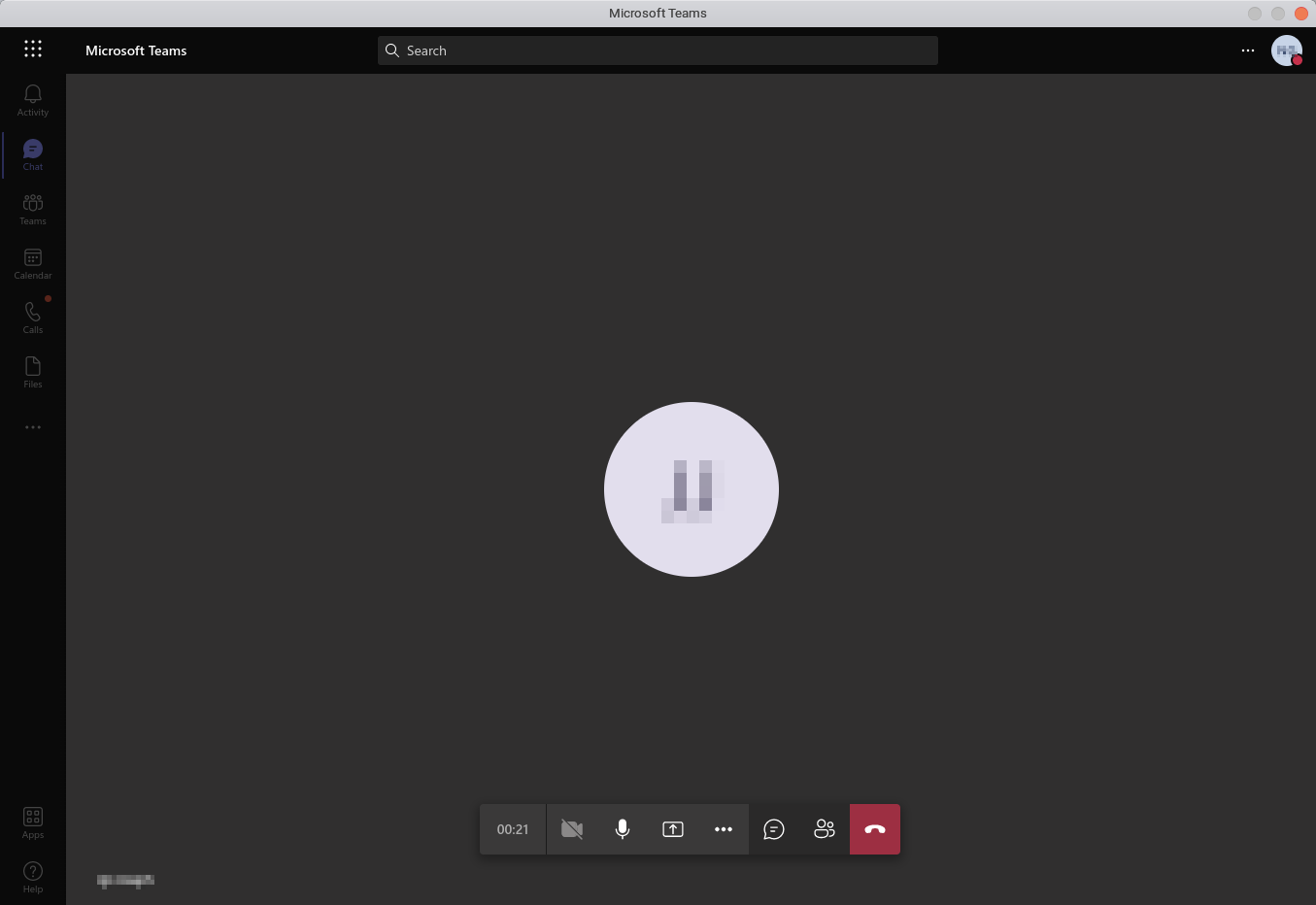
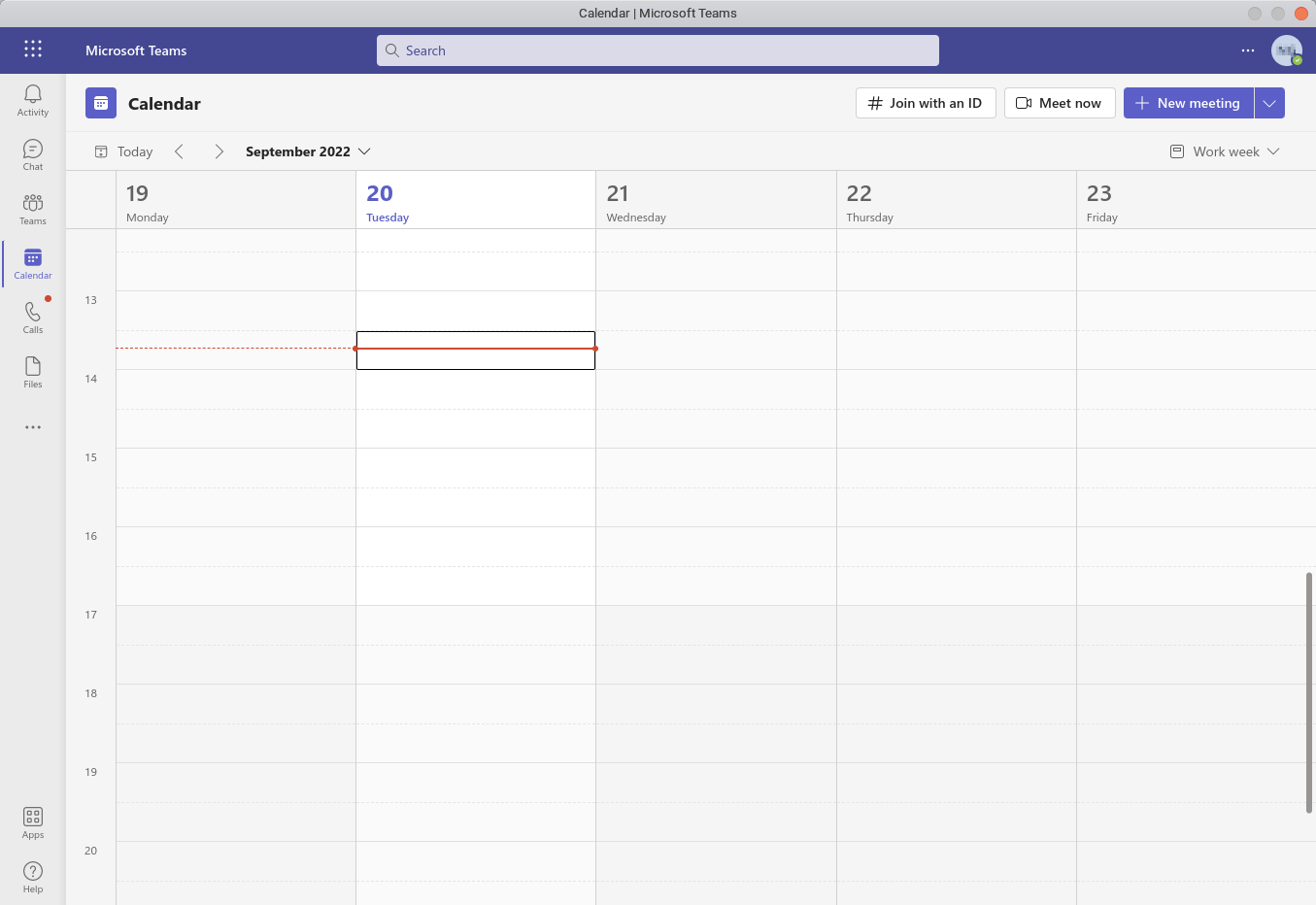
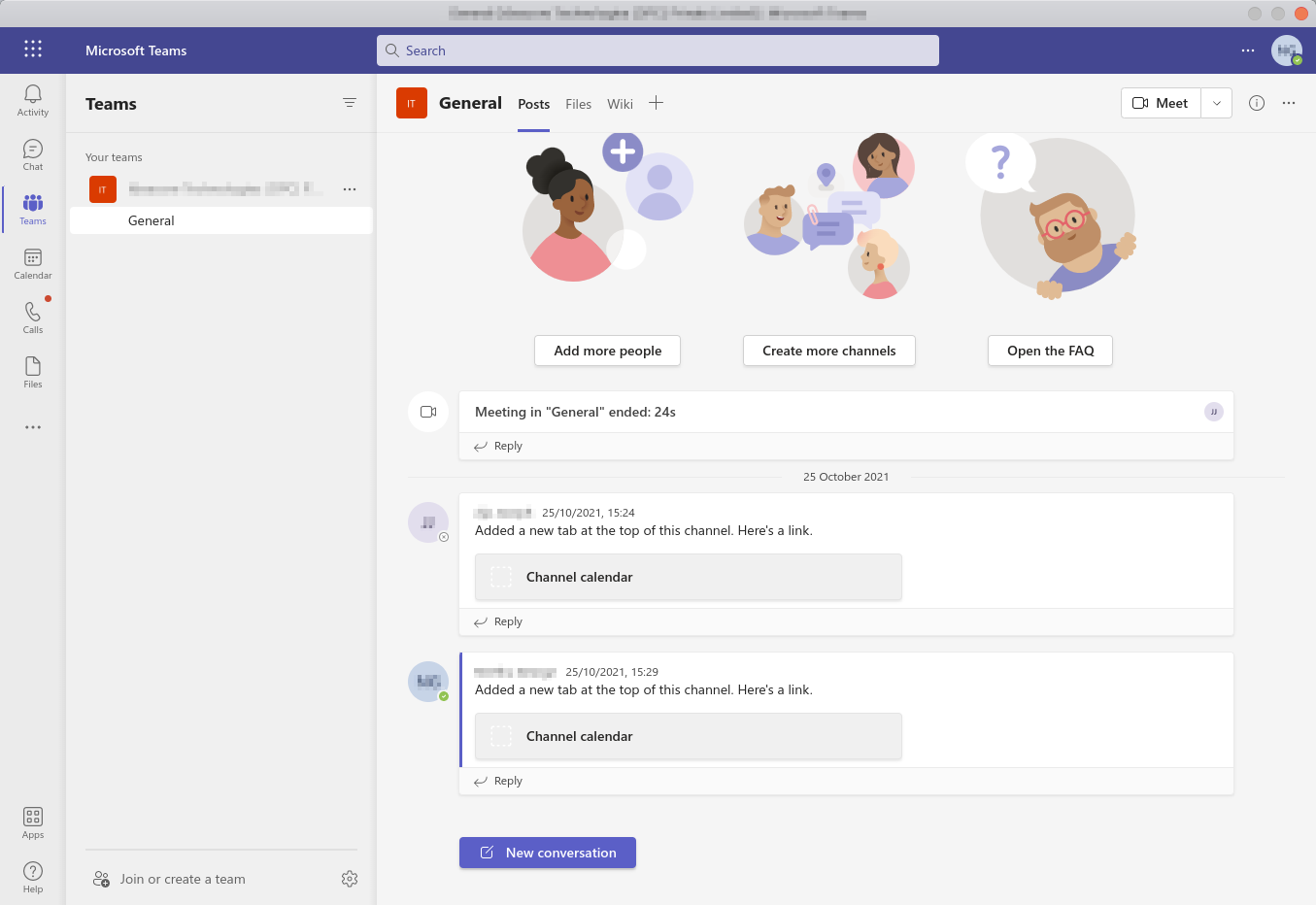
Read our comprehensive review of Portal for Teams, an unofficial Microsoft Teams client for Linux that brings seamless messaging and collaboration.
A Desktop-Class Experience for Linux Professionals
For Linux users, maintaining a reliable connection to corporate workspaces has historically required compromise, often relying on browser tabs that get lost amidst daily workloads.
Key Features of the Portal for Teams Linux Communication Tool
Developed by Ismael Martinez, this application is designed to behave like a native desktop tool. By running the web app within an optimized Electron shell, it provides several distinct advantages:
- Dedicated Window Management: Keep your work chats separate from your web browsing activities to prevent accidental tab closures.
- Seamless Integration: Enjoy a focused interface tailored specifically for the Linux platform, ensuring a smoother user experience.
- Resource Efficiency: Avoid the overhead of running a full-featured web browser just to stay connected to your colleagues.
Who Is This Application For?
If your organization relies heavily on Microsoft Teams for daily operations, but your workstation runs on Linux, this client is a highly practical solution. It is ideal for developers, system administrators, and remote professionals who want a distraction-free environment for their corporate messaging, calls, and file sharing. Classified under the e-mail and communication category, it streamlines your daily workflow by keeping your primary collaboration tool just one click away on your desktop dock.
Our Editorial Verdict
While this is an unofficial client, it provides a stable and highly usable alternative to running Teams in a standard browser tab. It delivers on its promise of straightforward, desktop-integrated communication without unnecessary bloat. If you are looking to optimize your daily workflow on Linux, we highly recommend exploring this utility. To try it out for yourself, head over to the official Flathub store page to get started.